
Phone Location Tracker
Track your loved ones’ location in real time
Using TiSPY phone location tracker, monitor real-time GPS location, location history, geofencing notifications and location alerts.
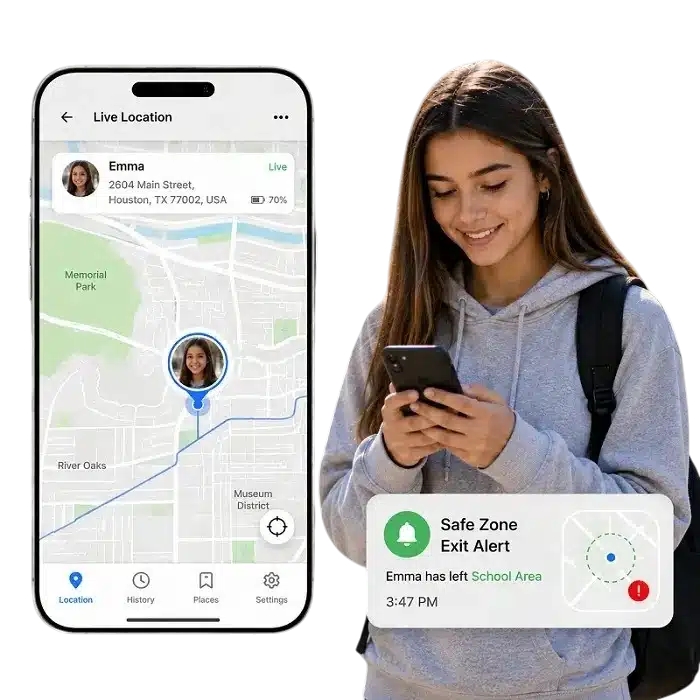
Know Their Location, Wherever They Go
Be aware of your child’s location and get notified right when they exit the safe area.
Children spend more time outside the home than ever before. They travel to school, visit friends and explore independently. As much as parents want to give children space to grow, they also need peace of mind.
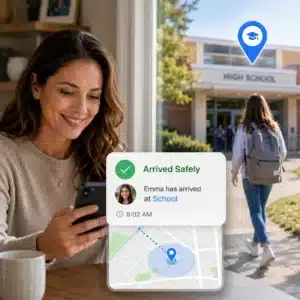
Track Safe Arrivals
Use TiSPY’s real-time location tracker to know when your child arrives safely with accurate live GPS updates.
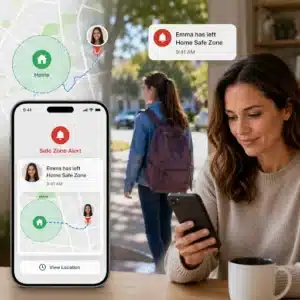
Get Safe Zone Exit Alerts
Set safe zones and receive instant alerts when your child enters or leaves home, school or other trusted places.
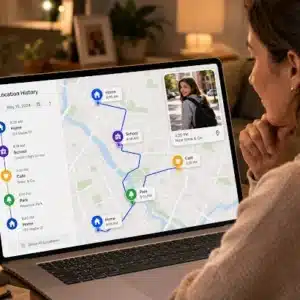
Review Location History
Review location history to see where your child has been and verify daily routes with accurate GPS records.
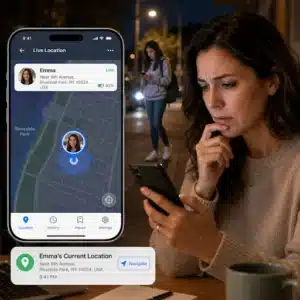
Get Instant Alert
Track your child’s live GPS location in real time so you can respond quickly during unexpected situations.
TiSPY Location Tracking Features
1. Real-Time Location Tracking
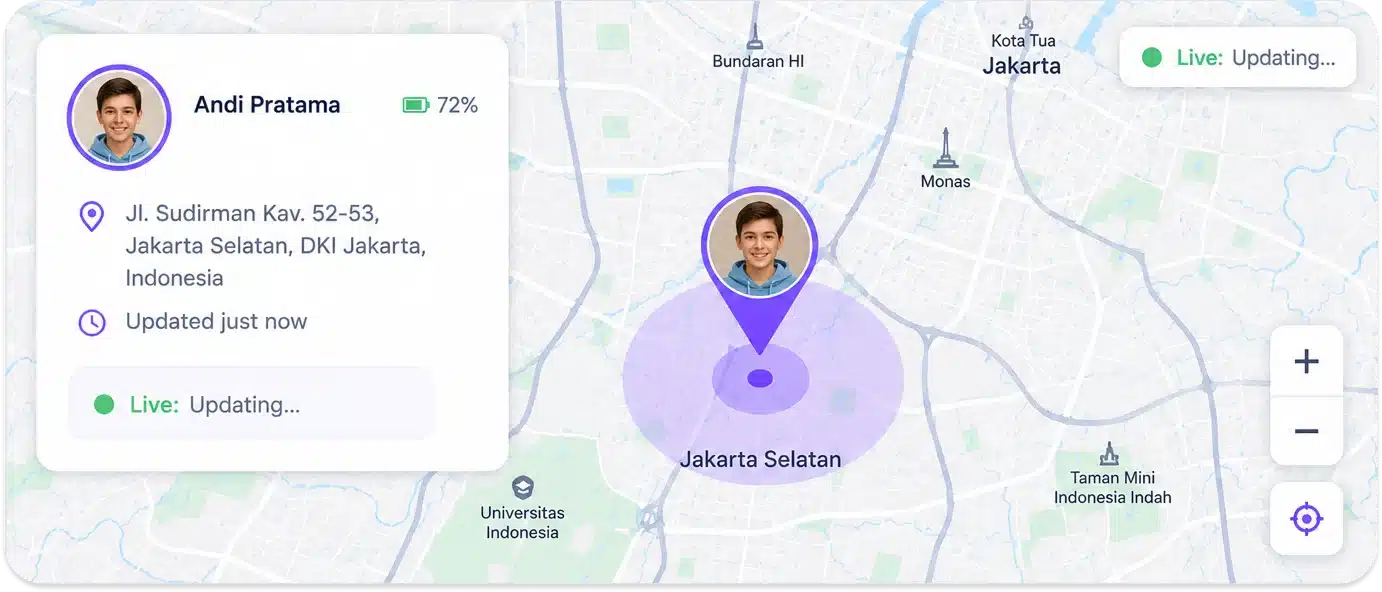
TiSPY’s real time location tracker keeps updating the location of your child in real time, making sure that you know where he/she is at any particular point in time. This parental control app shows the location directly on a map in the dashboard without any need for refreshing or waiting.
2. Location History Log
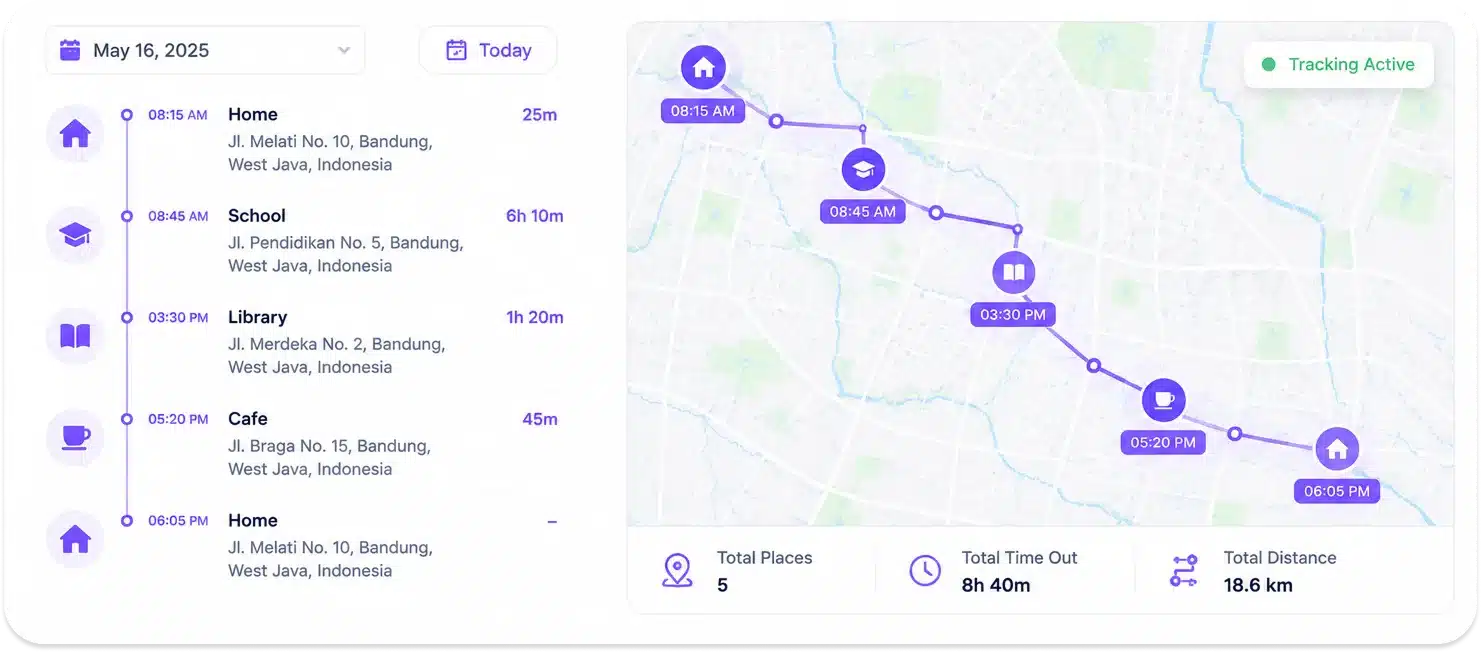
Parents can review a complete timeline of places their child visited throughout the day. The location history log records routes taken, addresses reached and time spent at each location. This phone location tracker helps parents understand their child’s daily movements and identify anything that does not align with what was agreed.
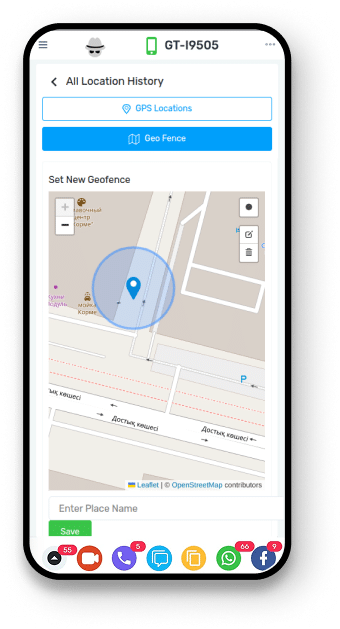
3. Geofence Alerts for Safe Zones
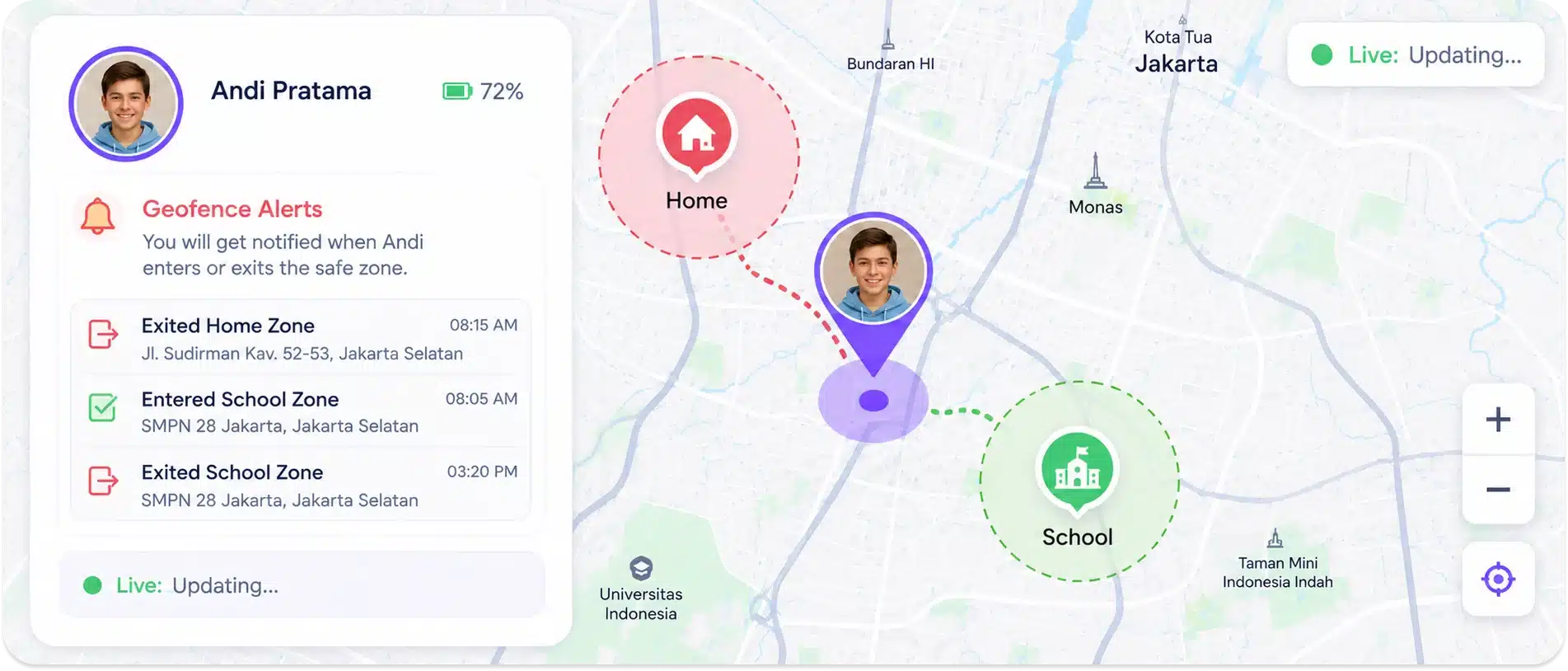
Set custom geofence boundaries around places your child should be, such as home, school or a trusted address. TiSPY sends an instant geofence alert whenever your child enters or exits a defined zone. This location tracking app removes the need to monitor the map constantly by notifying you only when something changes.
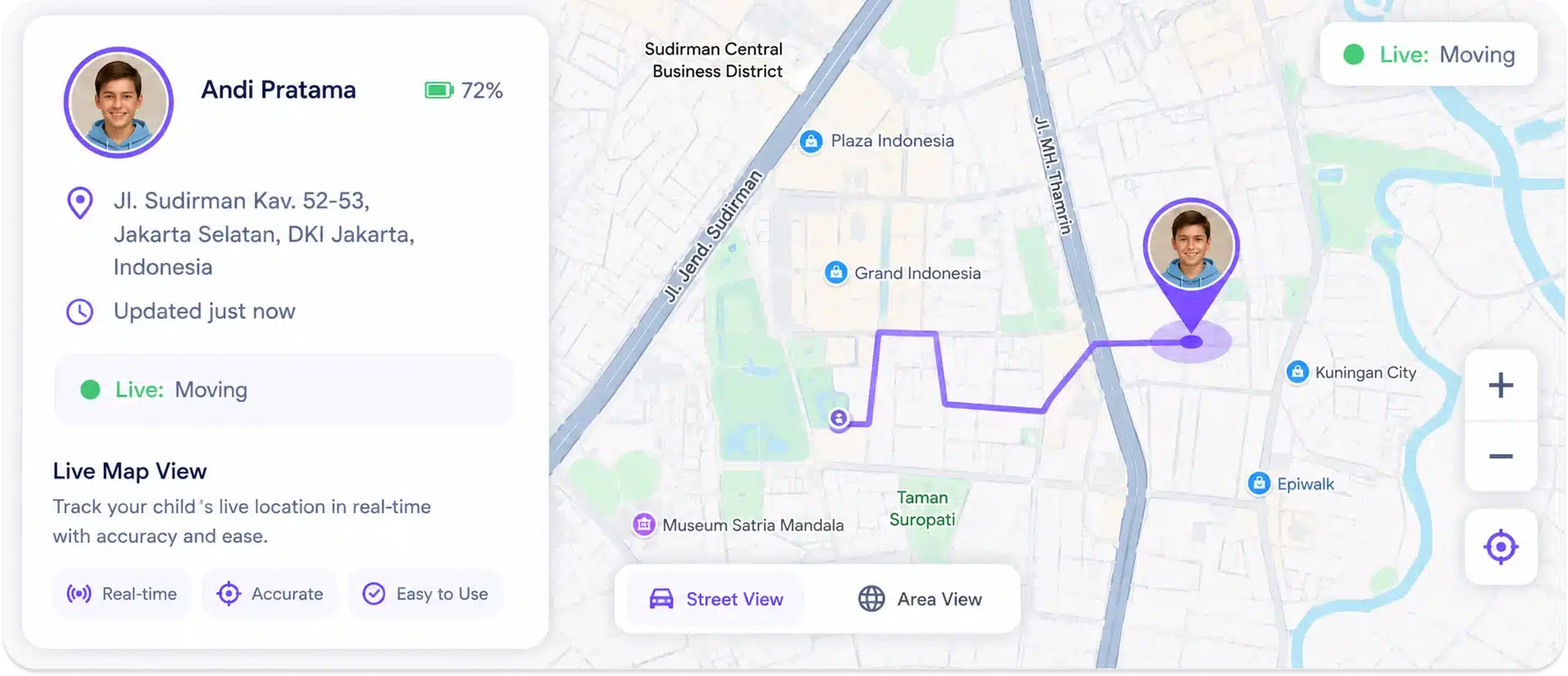
4. Live Map View from Your Dashboard
The TiSPY dashboard displays your child’s current location on an interactive map. Parents can zoom in to street level or view the broader area. The GPS tracker for kids interface is designed to be simple and readable. No technical knowledge is required to use it effectively.
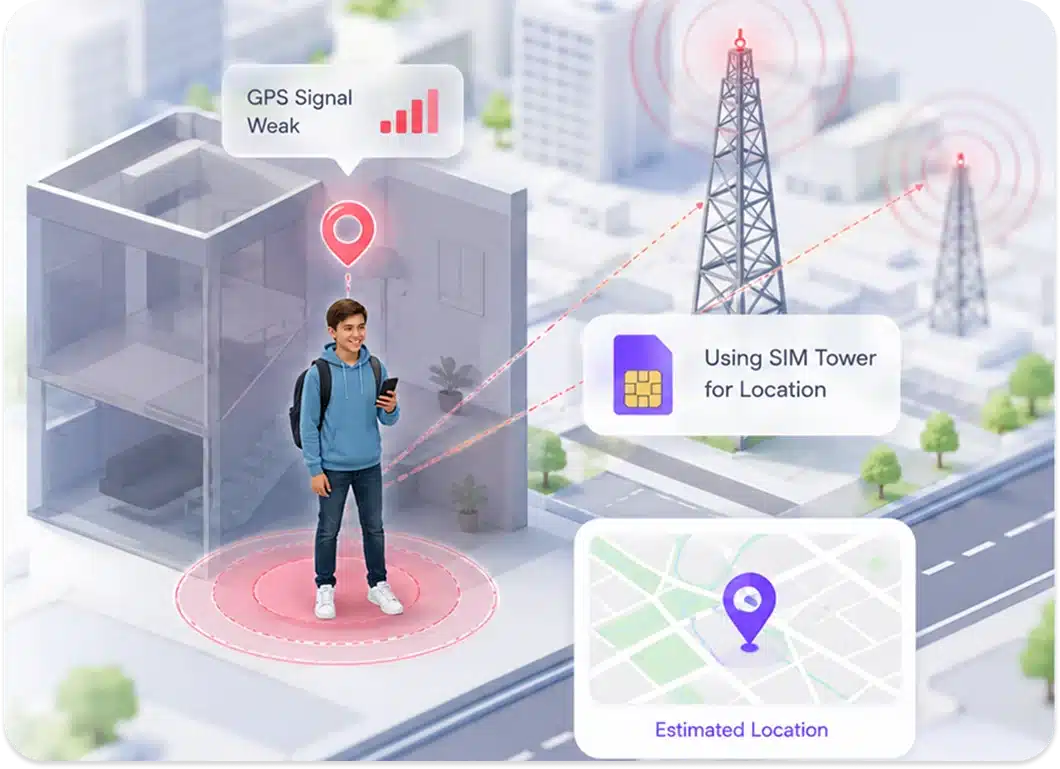
5. SIM-Based Location Backup
In places where the GPS signal is weak, TiSPY utilizes the cellular towers data available through the SIM card for location estimation. This offers an additional layer of backup in case the GPS becomes less accurate, like inside buildings or coverage dead spots.
There's More You Can Monitor
TiSPY gives you complete parental control. Here are the top monitoring features our users love the most.


Snapchat

Telegram


Call

GPS Location

Photos

Tiktok

App Activity
Snapchat
Telegram
Call
GPS Location
Photos
Tiktok
App Activity
Trusted Worldwide by Thousands of Families
Trusted World-wide by thousands of Families and parents
Over 100K satisfied users say about us
What Problems Does a Mobile Location Tracker App Solve?
TiSPY’s live location tracker keeps location status active as updates occur. The tracking system maintains continuous flow during active sessions. Real-time position updates remain synchronized inside the tracking environment and reflect changes in real time. Location data stays available inside the tracking system during active tracking sessions.
1. Real-Time Location Activity Monitoring
The phone location tracker registers location changes as they occur and updates tracking data instantly. Live mobile location updates remain active during tracking activity and record updated position details without delay. Status details refresh automatically inside the tracking system and remain visible whenever activity changes. This tracking module logs movement activity continuously without manual input or repeated interaction.
2. Continuous Location Tracking During Daily Use
The live location tracker maintains active monitoring while the device remains in use throughout the day. Mobile location tracking continues without interruption during regular device activity and updates location status automatically. TiSPY’s mobile location tracker keeps tracking sessions active across routine device activity and records mobile position changes as they occur. System flow remains uninterrupted without requiring repeated setup actions.
3. Area-Based Location Activity Control
The location tracking system logs movement activity within predefined areas and maintains area-specific records. Live location tracking remains active for selected zones and updates data when boundary changes occur. TiSPY’s phone location tracker stores entry and exit activity for defined locations automatically. Area-level data stays available inside the tracking system as monitoring continues.
Parents managing advanced boundaries can also use geofence alert and location alert features for area-based monitoring control.
TiSPY Live Location Tracking Features
TiSPY location tracker operates through a unified feature set that manages active data and records. GPS live location tracking functions continuously once enabled and keeps status details synchronized across the system. The tracking module consolidates real-time location updates, stored data, and area-based records within one operational environment. All tracking components remain active and accessible during system operation under TiSPY’s parental control software.
1. Access Current Location Using Mobile Location Tracker
TiSPY’s live location tracker updates current position data as changes occur and refreshes position records automatically. Phone location data remains active inside the tracking system without manual refresh. Real-time position details stay synchronized during tracking activity and reflect updated position values continuously. Current location records remain available within the tracking environment while monitoring stays active.
2. Maintain a Complete Location Record
The tracking system stores past entries and maintains a continuous location history log. Historical location details remain indexed by time and preserved within the system. The mobile location tracker retains completed location records without overwriting active data. Stored entries stay accessible while new updates continue to log.
Detailed past records are available through the location history feature.
3. Receive Alerts for Defined Areas
The location tracking system triggers alert events when transitions cross predefined area limits. The live location tracker evaluates boundary conditions continuously and generates alert records automatically. Alert activity logs alongside location details without manual input. Alert entries remain available while tracking continues.
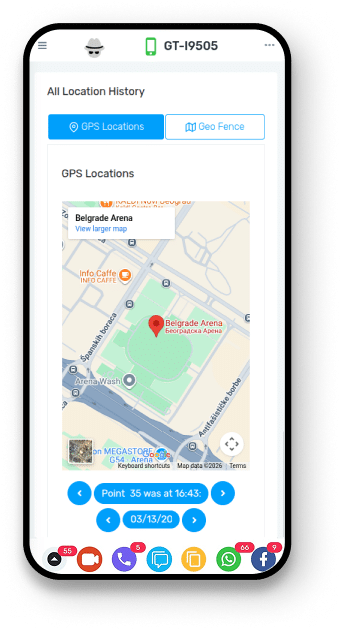
4. Track Location Paths on Map View
The live location map renders travel paths based on recorded GPS location details. The tracking system plots route sequences as updates log during active monitoring. Location paths remain visible within the map interface and update automatically as new records appear. Stored routes stay accessible while active tracking continues.
5. Organize Location Data by Date
The location tracking system organizes stored details by selected dates. Tracking records align automatically with date filters during review. TiSPY’s mobile location tracker displays location entries for chosen time ranges without loading unrelated records. Filtered location data remains accessible while ongoing tracking continues to log new entries.
How to Install TiSPY Mobile Location Tracker
You can install the Mobile Location Tracker by following these easy steps. Even if you are a non-techy person, you can easily download and use TiSPY.
- Android
To download the TiSPY Mobile Location Tracker, your Android device must run OS 4.4 or higher. Follow these steps to install it, or you can also check this Android install guide for the same.
- Disable “Google Play Protect” on your Android phone.
- Open the “Play Store” application on your Android phone.
- Tap on Menu.
- Disable “Play Protect.”
- Disable “Scan Device for Security Threats.”
- Disable “Anti-Virus.”
- Security >> Security Scan >> Setting Icon >> Disable “Scan before Installing ”.
– iOS
Here are the steps to install the TiSPY Mobile Location Tracker on an iOS device. You can also check this iOS install guide for the same.
- Log in or sign up to your TiSPY account.
- Using a cable, connect your laptop to an iOS device.
- Then click ‘Add’ to add the device.
- Select a specific device to monitor or track.
TiSPY’s location tracker runs on your child’s device and uses GPS data to report the device’s current position to your dashboard. Location updates in real time so parents always have a current view. The app also logs location history throughout the day. No rooting is required and installation takes only two minutes.
Geofencing allows you to set a boundary for a particular address, and whenever the phone crosses this boundary, TiSPY immediately alerts you about it. This implies that there is no need for you to keep track of your kid through the location tracking app at all times. You will get an alert whenever your child enters/exits the set zone.
Yes. TiSPY stores location history so parents can review the full route their child took at any point during the day. The log shows addresses visited, time spent at each location and the path between them. This gives parents helpful context without requiring them to monitor the map in real time.
TiSPY uses GPS as the primary location source, which provides accurate positioning outdoors and in open areas. In locations where GPS signal is reduced, TiSPY can fall back to SIM-based cell tower data to give a general location estimate. Accuracy may vary depending on the device and environment.
Yes, location monitoring can be managed directly from the TiSPY dashboard. Users can control monitoring status without uninstalling the app or reconfiguring the device.
Location history retention depends on the active subscription plan. Data remains available within the allowed storage period of the selected plan.
TiSPY delivers location-related updates through its monitoring dashboard. Alert delivery depends on the configured notification settings.
After installation, users can verify activity by checking live position updates and recent records inside the TiSPY dashboard.