
Facebook Messenger Tracker
Your child spends hours on Facebook.
You cannot be there for every message, friend request or conversation.
Track Messenger chats, Facebook activity, timestamps, shared locations, check-ins and frequent contacts using Facebook Messenger Tracker.
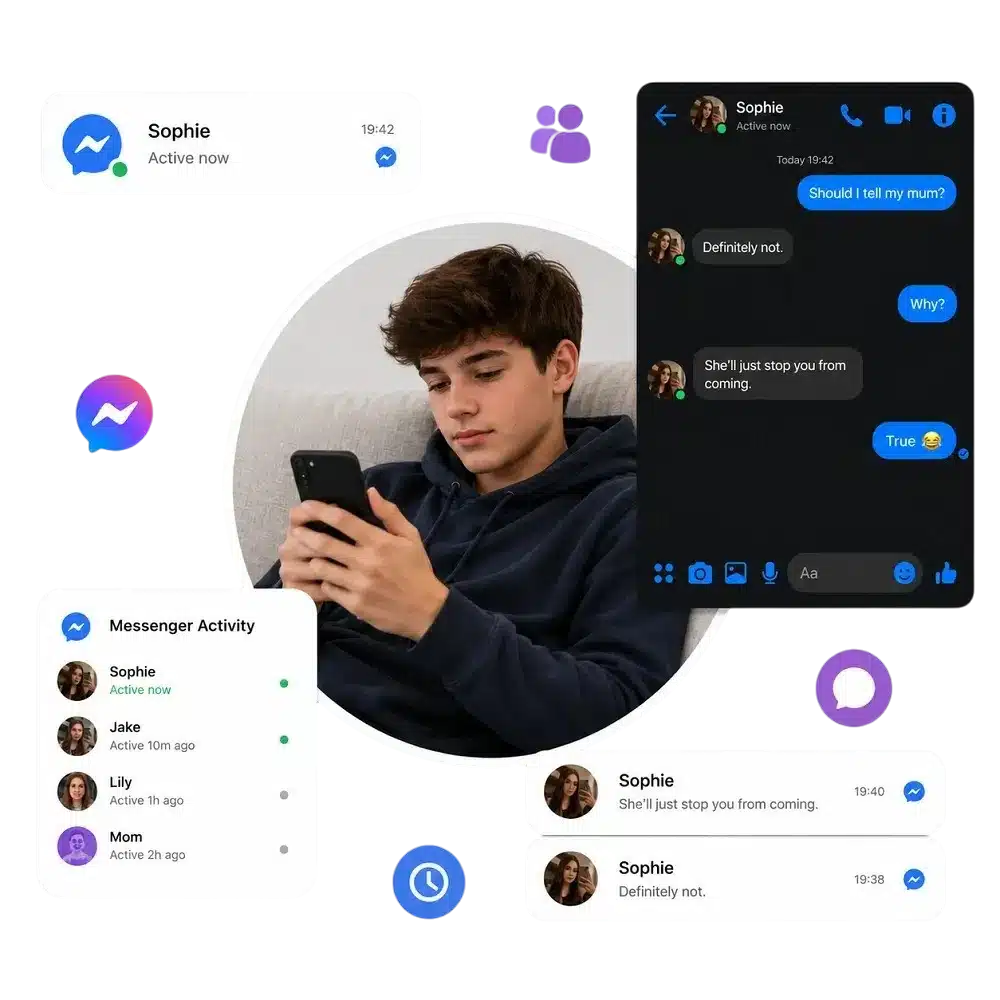
See What Is Really Happening on Your Child's Facebook
Most interactions are harmless. Some are not.
With a quick setup, TiSPY’s Facebook Messenger Tracker helps you to stay informed before a small concern becomes a serious problem. As a trusted parental monitoring app, TiSPY gives parents greater visibility into online interactions and communication activity.

Track Child's Messages
Use Facebook Activity Tracker to see who is messaging your child and stay informed about new contacts and conversations.

Monitor Group Chats
Read Facebook Messenger group chats to understand conversations and identify bullying, peer pressure or risky behavior.

View Shared Media
View shared photos, videos and media in Messenger chats to better understand your child’s online interactions.

Detect Risks Early
Monitor Facebook Messenger activity to spot warning signs early and support your child before issues become serious.
TiSPY Facebook and Messenger Tracking Features
1. Read Facebook Messenger Conversations
The Facebook Messenger Tracker lets you review chats, message activity, and communication history so you can stay informed about important conversations.
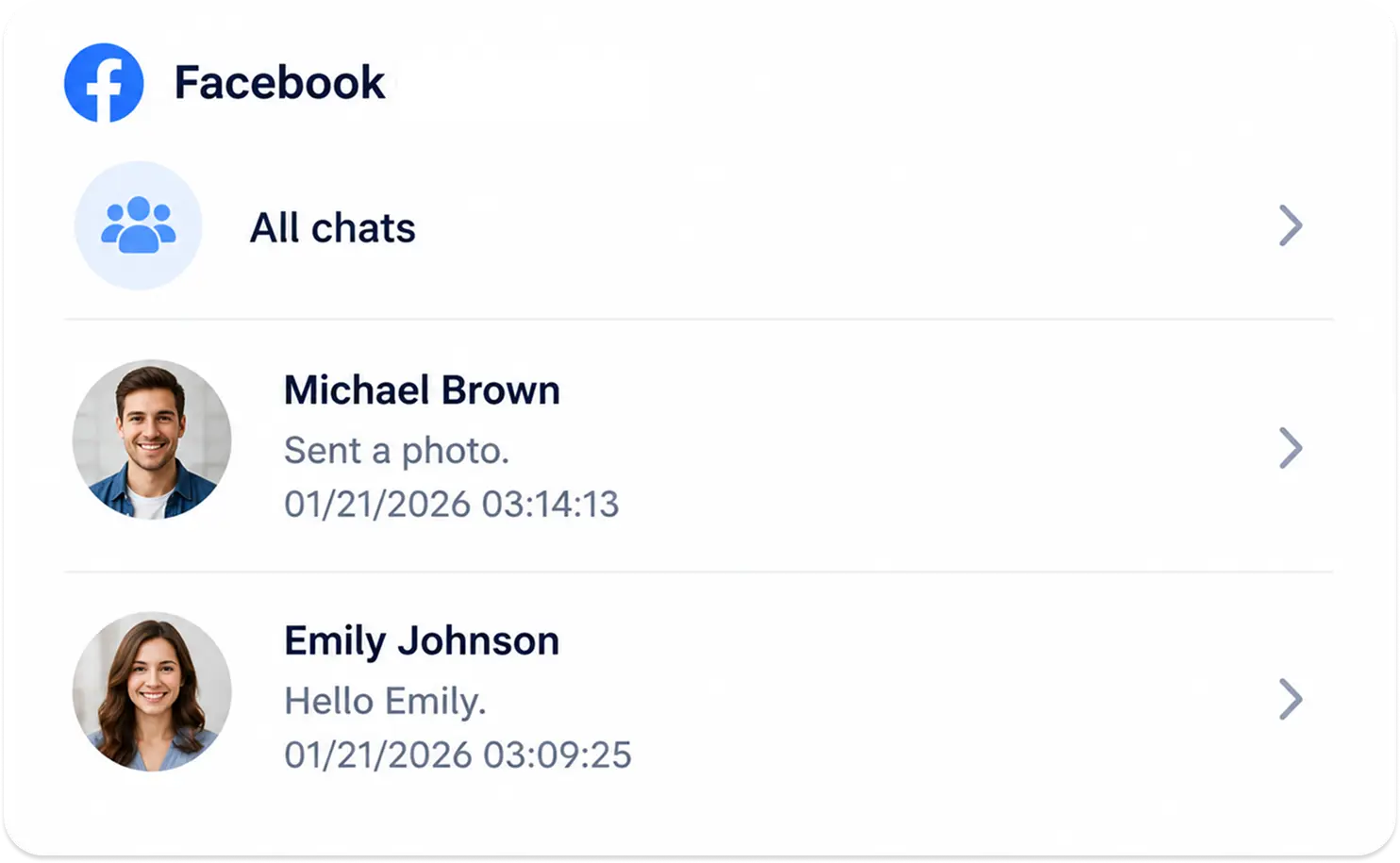
2. Track Facebook Activity in One Place
Use the Facebook Activity Tracker to monitor posts, reactions, comments, and engagement from a centralized dashboard.
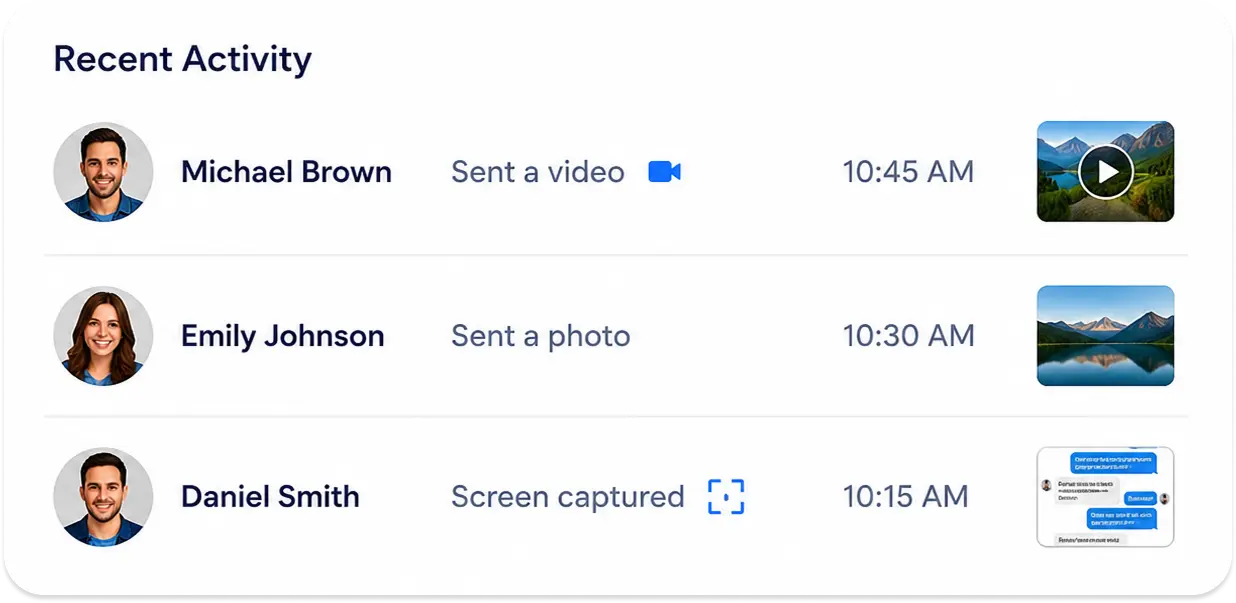
3. See Chat Activity with Timestamps
The Messenger Tracker records conversations with date and time references, making it easier to understand communication patterns.
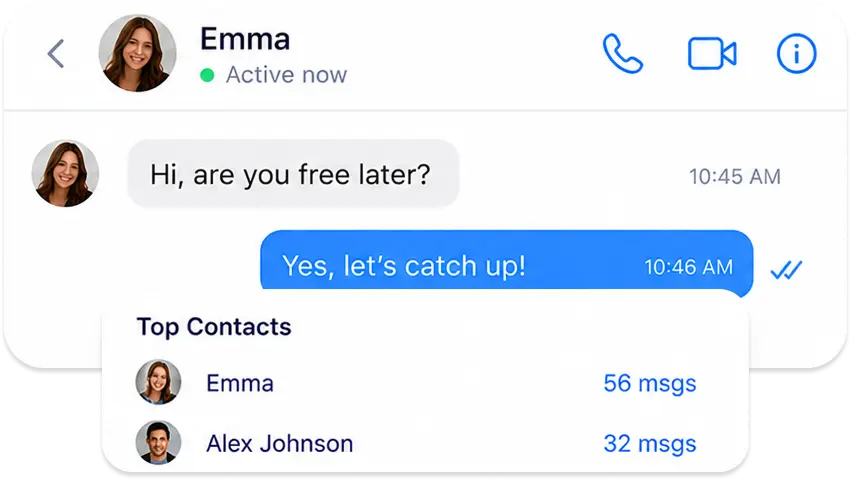
4. Access Records Anytime
The Facebook Tracking App keeps message history and activity records available whenever you need them through your secure dashboard. You can also receive a daily email alert with a summary to review important activity without logging in throughout the day.
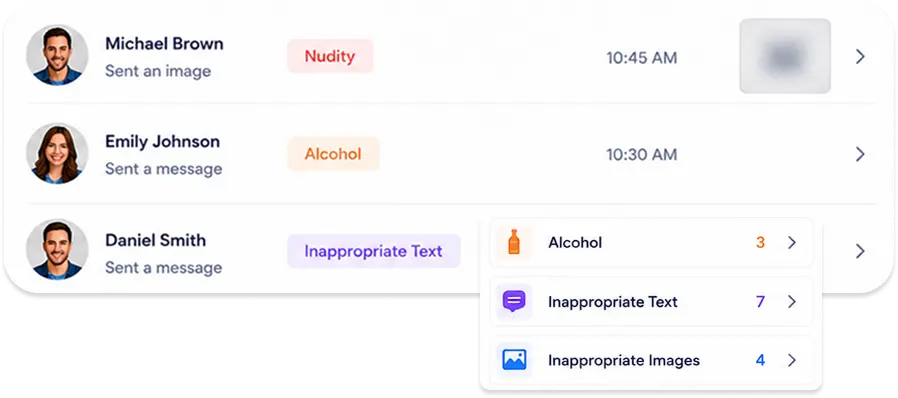
5. Monitor Shared Locations and Check Ins
Facebook tracking software records location-related activity, check-ins and tagged places shared through Facebook.
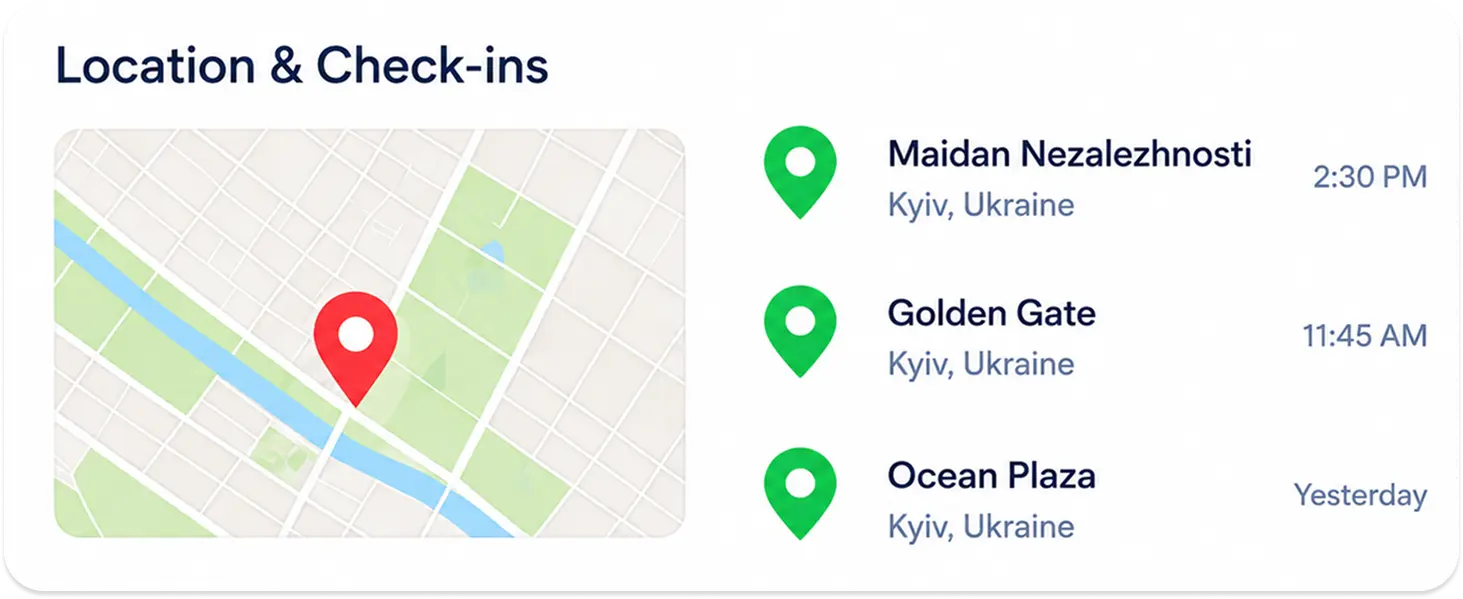
6. Review Communication Patterns
Monitor Facebook Messenger activity over time to identify frequent contacts, active periods and changes in communication behavior. For additional context, parents can use Track Sender’s Details features to learn more about contacts communicating with their child.
How Facebook Tracker Keeps Your Child Safe
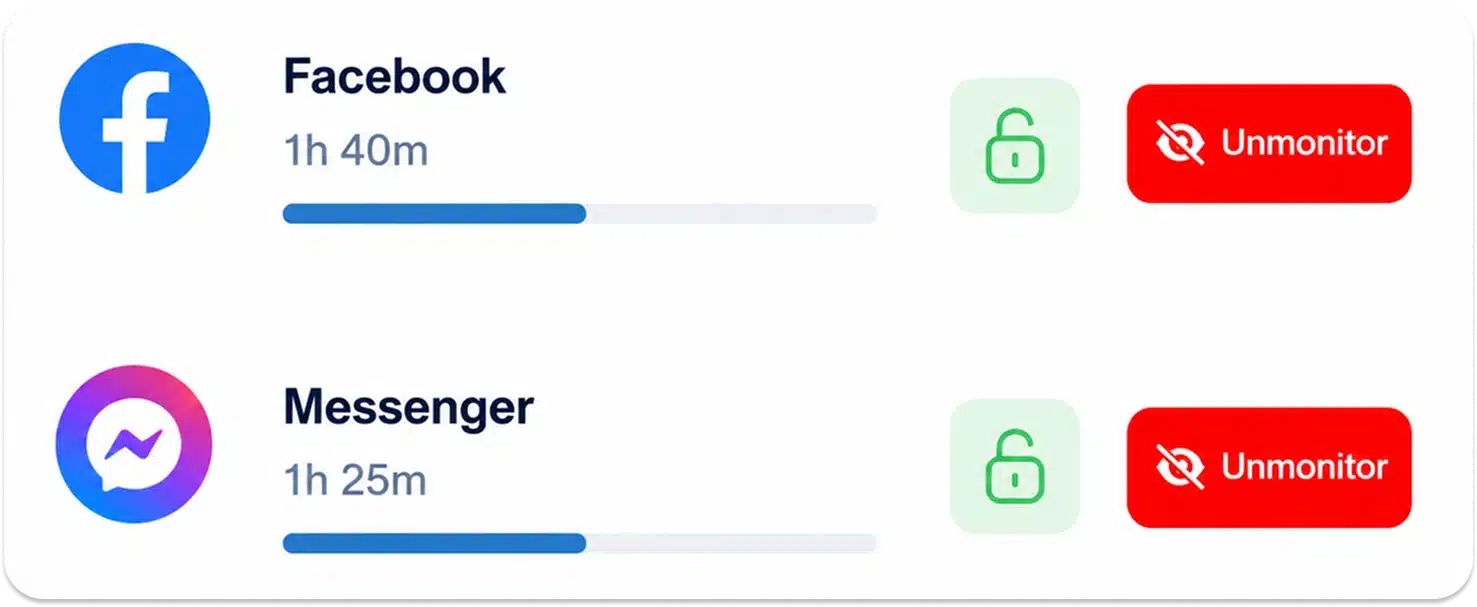
TiSPY Facebook Tracker gives parents structured control over Facebook supervision using a centralized spy app dashboard. This setup allows parents to manage Facebook oversight consistently and maintain visibility over tracked records without manual intervention. The system supports controlled access that aligns Facebook usage with parental tracking and monitoring requirements.
1. Control Facebook Message Access
TiSPY enables parents to control visibility into Facebook conversations using a Facebook tracker framework. Through Facebook Messenger spy app access, message records remain available inside the monitoring dashboard. It helps parents to identify communication sources using the sender’s detail tracking when needed. This spy app for Facebook Messenger supports controlled review of communication flow without altering account settings.
2. Manage Facebook Interaction Visibility
Using Facebook spy app features, parents can manage visibility into interactions linked to the account. This Facebook spy software keeps engagement records available for review while maintaining consistent tracker-based access. Parents gain oversight of interaction patterns without direct device handling.
3. Maintain Oversight of Shared Facebook Activity
TiSPY supports Facebook spying and tracking by keeping shared content records visible inside the dashboard. Through Facebook spy app online access, parents can manage how Facebook usage is reviewed over time. This structure supports controlled supervision without repeated logins.
TiSPY Facebook Tracking & Monitoring Features
TiSPY delivers dedicated Facebook monitoring functionality, designed for structured record access and storage. The system operates as a Facebook tracker that captures communication and engagement details through a single interface. This Facebook spy software keeps all records organized and accessible for ongoing account supervision.
1. Capture Facebook Messenger Conversations
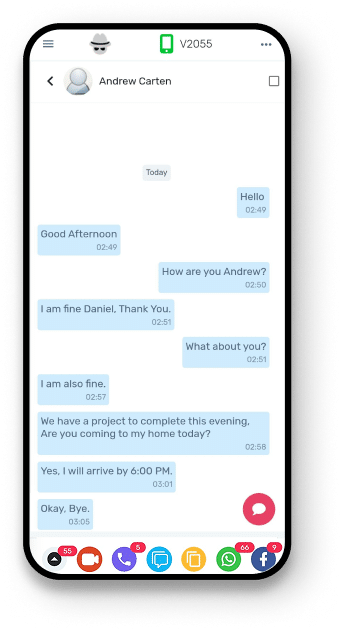
TiSPY works as a Facebook Messenger tracker by recording message activity linked to the account. This Facebook chat monitoring feature stores conversations with timestamps inside the dashboard. Stored conversations remain accessible through a Facebook spy viewer interface.
2. Record Facebook Chats with Time References
The system supports Facebook Spy Chat Messenger visibility by logging conversations with date and time details. This feature functions as part of the best Facebook spy app structure focused on record availability. Stored chat logs remain organized for review.
3. Log Facebook Activity Records
TiSPY functions as a Facebook activity tracker by recording posts, reactions, and engagement actions. This Facebook tracking app structure keeps logs preserved without overwriting previous records, while allowing parents to restrict unwanted communication using contact blocking when necessary.
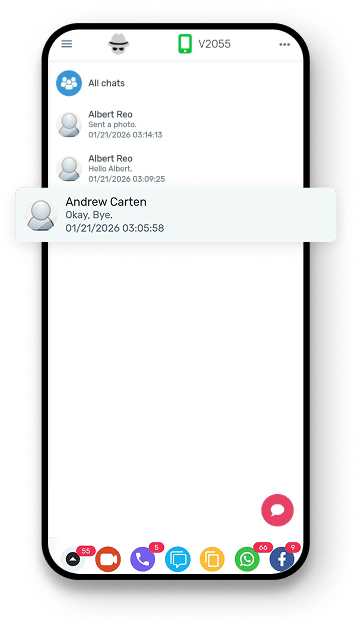
4. Track Facebook Location-Related Data
TiSPY captures Facebook check-ins and tagged location data through Facebook tracking software. This feature records location-linked information shared on Facebook. Stored data remains accessible inside the monitoring system.
5. Centralized Facebook Activity Dashboard
All collected data is displayed through TiSPY’s dashboard using Facebook monitoring software controls. Messages, tracking records, and shared content appear in one place. This structure supports child Facebook tracking through a single access point.
How to Install TiSPY Facebook Spy App
You can install the Facebook spy app by following these easy steps. Even if you are a non-techy person, you can easily download and use TiSPY.
– Android
To download the TiSPY Facebook Spy App, your Android device must run OS 4.4 or higher. Follow these steps to install it, or you can also check this Android install guide for the same.
- Disable “Google Play Protect” on your Android phone.
- Open the “Play Store” application on your Android phone.
- Tap on Menu.
- Disable “Play Protect”.
- Disable “Scan Device for Security Threats”.
- Disable “Anti-Virus”.
- Security -> Security Scan -> Setting Icon -> Disable “Scan before Installing”.
– iOS
Here are the steps to install the TiSPY Facebook Spy App on an iOS device. You can also check this iOS install guide for the same.
- Log in or sign up to your TiSPY account.
- Using a cable, connect your laptop to an iOS device.
- Then click ‘Add’ to add the device.
- Select a specific device to monitor or track.
There's More You Can Monitor
TiSPY gives you complete parental control. Here are the top monitoring features our users love the most.


Snapchat

Telegram


Call

GPS Location

Photos

Tiktok

App Activity
Snapchat
Telegram
Call
GPS Location
Photos
Tiktok
App Activity
Trusted Worldwide by Thousands of Families
Trusted World-wide by thousands of Families and parents
Over 100K satisfied users say about us
Can Facebook Tracker work if my child changes their Facebook password?
Yes. Changing the Facebook password does not affect tracking once the TiSPY is installed correctly. The monitoring continues in the background without interruption. Parents can also receive an alert on SIM change if a new SIM card is inserted into the monitored device.
Will my child know that a Facebook tracker app is installed on their phone?
Most Facebook tracking apps operate discreetly. When configured correctly, the app runs silently in the background and does not show visible notifications or alerts on the child’s device.
Does a Facebook tracker app work on both Android and iPhone?
Yes. TiSPY Facebook tracker supports both Android and iOS devices. However, features may vary slightly depending on the operating system and device settings, so it’s important to follow the correct installation guide.
What happens to previously tracked Facebook data if the app is uninstalled?
Previously collected Facebook data remains stored in the dashboard for reference. New data will stop syncing once the app is removed from the device.
Is my child’s Facebook data stored securely?
Yes. Facebook tracking data is stored in an encrypted environment with restricted access. Only the registered account holder can view the monitored information through secure login credentials.
How often is Facebook data updated in the dashboard?
Facebook tracking data is updated automatically at regular intervals. The update frequency depends on the device’s internet connection and system synchronization but does not require manual refresh.
Can I access Facebook tracking data remotely?
Yes. All tracked Facebook data is accessible remotely through a secure web-based dashboard. You can log in from any browser without needing physical access to the target phone again. Parents who need assistance can reach out through Contact Support for guidance.