How to Uninstall TiSPY in Android device?
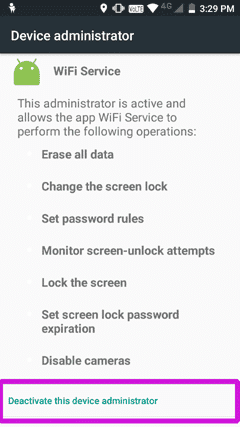
1. Deactivate WiFiservice from Device administrator
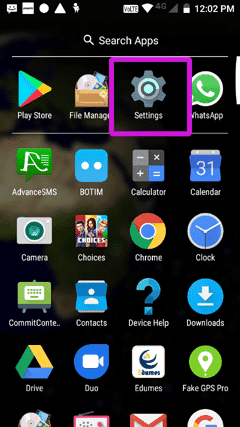
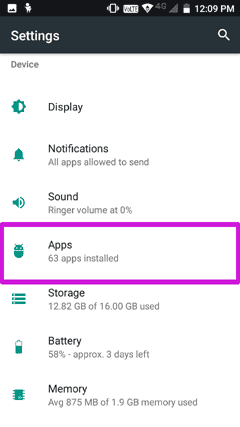
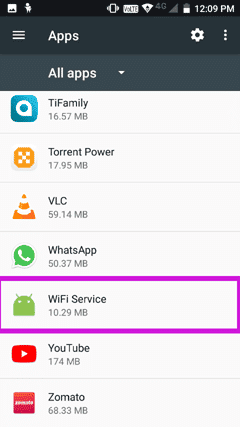
- Go to settings => Apps => WiFi Service => Deactivate Device administrator
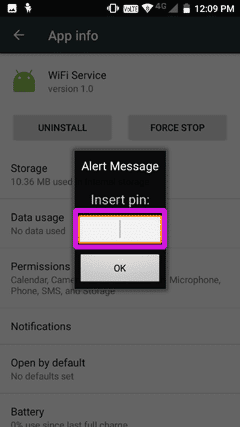
- That Pin is your Password when you first time registered with TiSPY.
- If you log in using an OTP (One-Time Password) and did not set a password while registering the client application, then disable the “Uninstall Protection” feature in the TiSPY portal settings. This will prevent the application from asking for a PIN when you try to uninstall the client application.
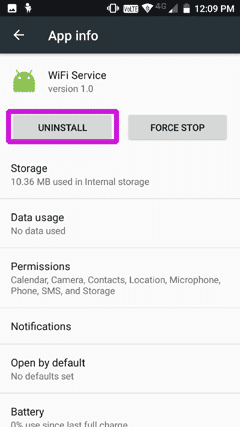
- WiFi service => Uninstall